The US Bureau of Labor Statistics reports a May 2025 median wage of $61,860 for computer user support specialists, the occupation that covers help-desk technicians, and $48,310 for secretaries and administrative assistants. The IT role pays about 28 percent more at the median, which is a simple division of those two figures. The gap reflects what each job requires: one schedules and organizes, and the other diagnoses problems, resets accounts, and works inside business systems. Owners who search for a virtual assistant often discover that the work taking their time falls in the second group.
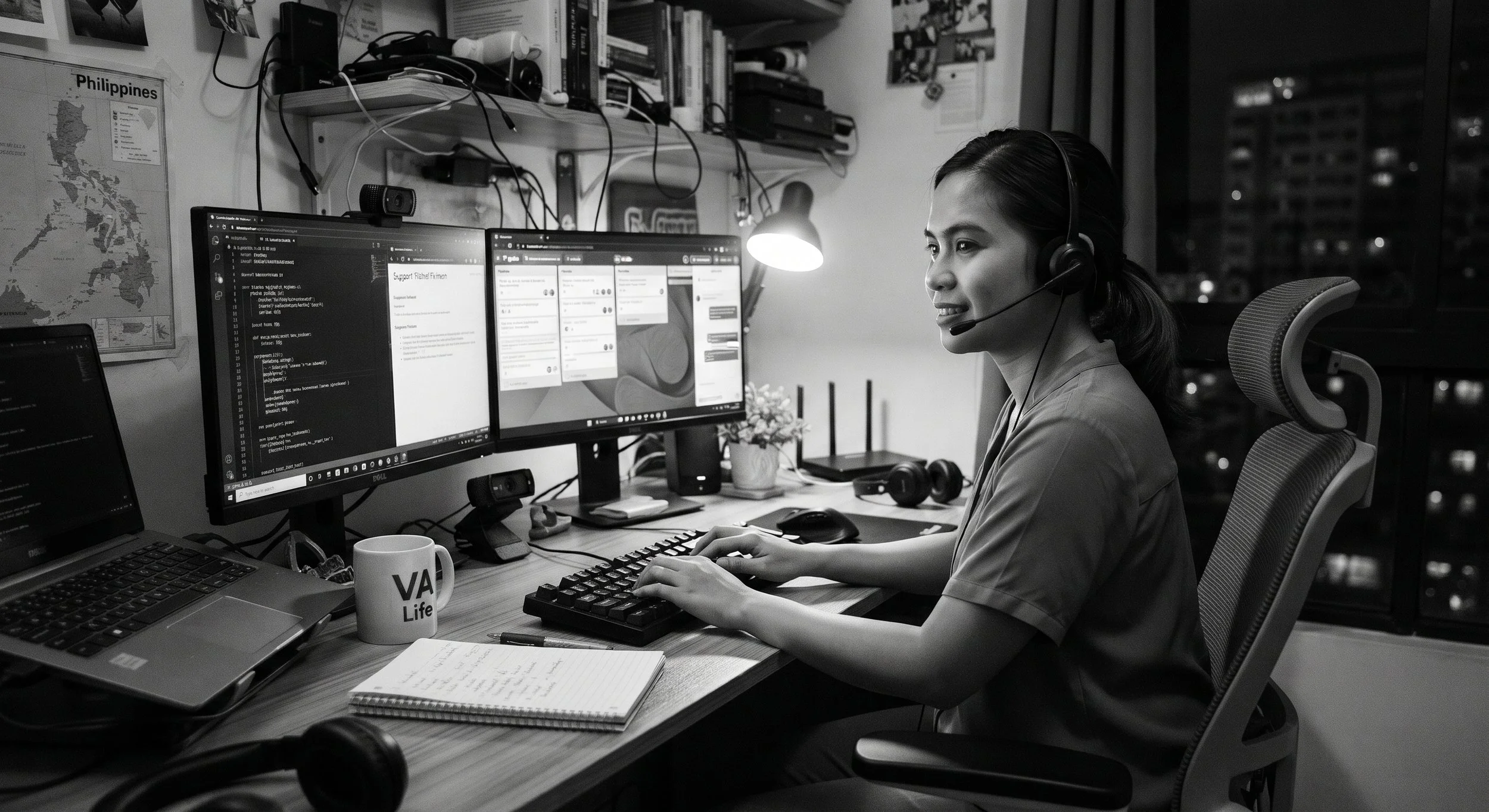
An IT virtual assistant is a remote support professional who works as a dedicated member of your team and handles technical administration and user support, in the way a general virtual assistant handles scheduling, email, and paperwork. This post explains what that role covers, how it differs from a general virtual assistant, what it can and cannot safely do, and how to set up access. It is written for MSP owners who want dedicated remote hands in their queue and for small business owners who are looking for a virtual assistant and finding that most of what they need is IT help.
Two Different Jobs With the Same Label
General virtual assistants and IT virtual assistants overlap in how they work: both are remote, both work from a task list, and both succeed when the owner defines the work clearly. They differ in what they touch. A general assistant works in your inbox, calendar, and billing paperwork, and mistakes there are annoying and sometimes costly. An IT assistant works inside your identity system, your devices, and your users' accounts, where mistakes can lock people out or expose data.
| Dimension | General virtual assistant | IT virtual assistant |
|---|---|---|
| Typical work | Scheduling, inbox triage, invoicing follow-up, research, paperwork | User tickets, account setup and removal, password and MFA resets, license changes, device checks, documentation |
| Core skills | Organization, writing, calendar and document tools | Diagnosing problems, Microsoft 365 or Google administration, endpoint tools, clear explanations to non-technical users |
| What they can reach | Mailbox, calendar, billing system | Directory, user accounts, devices, ticketing and monitoring tools |
| Median US wage (BLS, May 2025) | $48,310 for secretaries and administrative assistants | $61,860 for computer user support specialists |
| Supervision needed | Task review and approval of anything sent in your name | Runbooks, scoped permissions, and review by a senior technician or administrator |
Many businesses end up needing both, and they are separate hires with separate access. A technical person is not the right choice to manage your calendar, and an administrative person should not hold admin rights to your tenant.
What an IT Virtual Assistant Does
The Bureau of Labor Statistics describes computer user support specialists, also called help-desk technicians, as people who provide technical help to non-IT computer users. Their typical duties are to analyze a customer's computer problem to diagnose it, document the customer's description, guide the customer through the recommended problem-solving steps, set up or repair computer equipment and related devices, install software and train users, and inform team members and managers of major problems or recurring concerns. They respond in person, by phone, by online chat, or by email.
An IT virtual assistant does the remote version of that work. In practice that means taking tickets from users and diagnosing them, resetting passwords and enrolling multi-factor authentication, creating accounts and licenses for new hires and disabling them for leavers, reviewing device health and patch status in your monitoring tools, keeping documentation current, and following up with vendors and internet providers. For an MSP, the assistant works inside the PSA queue and the RMM as an extra pair of hands on level 1 and some level 2 work. For a small business, the assistant is the person users contact when something breaks, working under the owner or a senior consultant.
| Task area | What the IT virtual assistant handles | What stays with a senior technician or the owner |
|---|---|---|
| User tickets | Intake, triage, standard fixes, walking users through steps, clear ticket notes | Unusual faults, escalated issues, and any change that could affect many users |
| Accounts and access | Password resets, MFA enrollment, new-hire and leaver account steps from a checklist | Administrator accounts, permission design, and approvals for sensitive access |
| Devices and software | Reviewing device health and patch reports, guiding remote installs, tracking hardware orders | Policy changes, rollouts, and anything requiring physical presence |
| Documentation | Writing and updating runbooks, how-to articles, and asset and license records | Approving standards and deciding what the documented process should be |
| Vendors and providers | Opening and chasing support cases, tracking renewals, logging outcomes | Contract decisions, spending approval, and vendor selection |
| Security basics | First review of alerts and phishing reports against a runbook, then escalation | Incident decisions, containment on important systems, and client or regulator notification |
What Remote Cannot Do, and What Automation Changes
Remote work has an obvious boundary. BLS notes that some computer support specialists can telework while others must be onsite or travel to clients' locations. An IT virtual assistant cannot swap a failed switch, run cable, or fix a printer that is physically jammed. For a small business with an office, those tasks need a local technician or a visiting provider, and the assistant can coordinate them but not perform them.
The second change is automation. BLS projects employment of computer support specialists to decline 3 percent from 2025 to 2035, and says employment of computer user support specialists is projected to decline as organizations continue to implement automated tools such as chatbots for troubleshooting. It adds that this automation may free up some specialists to handle more complex cases, while fewer are expected to be needed overall. For you, the practical point is that routine, repetitive requests increasingly get handled by self-service and automation, and what remains for a human is the work that needs judgment: unclear symptoms, frustrated users, odd configurations, and decisions about when to escalate. Hire and brief an IT virtual assistant for that work, and let automation take the simplest requests where it can. Konnect's piece on five signs your MSP needs to outsource overflow helpdesk support covers how to recognize when volume has outgrown your team.
Giving an IT Virtual Assistant Access Safely
An IT assistant's value comes from access, and so does the risk. The way to manage it is least privilege: give the person the narrowest role that covers their work, with a named account, multi-factor authentication, and logging, and never your own login or a Global Administrator role. Microsoft's reference for built-in Entra roles shows the range. It describes Global Administrator as able to manage all aspects of Microsoft Entra ID and Microsoft services that use Microsoft Entra identities, and describes Helpdesk Administrator as able to reset passwords for non-administrators and Helpdesk Administrators. That second role is far narrower than the first, and Microsoft still marks it as privileged, because resetting passwords can lead to account takeover if the account that holds the role is compromised or misused.
The practical conclusions are straightforward. Start the assistant on a helpdesk-level role, add permissions only when a task requires them, and keep administrator accounts out of reach. Require MFA on the assistant's account, use a managed device where you can, and review password reset activity regularly. Keep an emergency administrator account that only the owner controls, and store its credentials securely. If you are an MSP, give the assistant access through your per-client delegated administration with scoped roles, so they reach only the clients they support. If you are a small business, ask your IT provider or consultant to set up the role so you are not guessing at permission names. A person who needs more than helpdesk-level rights should earn them over time, with a senior person approving each step.
Who This Fits
For an MSP owner, an IT virtual assistant is a dedicated person who joins your queue, your tools, and your runbooks, and who takes level 1 volume, after-hours coverage, onboarding and offboarding tasks, and documentation work off your senior technicians. That is the model Konnect uses: we place dedicated Filipino IT professionals with MSPs as remote staff, integrated into the MSP's existing team, tools, and workflows, and not as a shared pool. Konnect's guide to the one-person IT team problem covers the case where the owner is the only technician available after hours.
For a small business owner, the picture is different. If you have no internal IT person and no managed provider, an IT virtual assistant can handle day-to-day user requests and account administration, but you also need someone responsible for security, backups, and planning, which a single assistant should not carry alone. A workable arrangement is an IT virtual assistant for daily support, plus a part-time senior consultant or an MSP for design, security, and projects. Where a business holds regulated data, check what its contracts and regulations say about offshore access before assigning anyone, because some restrict where staff may be located.
How to Start
Begin with scope, not a job title. List the five or six task types you want the assistant to own, write a short runbook for each, and record yourself doing a couple of them so the steps are concrete. In the first two weeks, the assistant handles tickets with every action reviewed. In weeks three and four, review samples and move to exceptions. Then add permissions in steps, each one tied to a task the assistant has already shown they can do well.
Measure against your own baseline: how quickly tickets are first acknowledged, how many are resolved without escalation, how many come back, and how much time you or your senior technician spend on tasks you have handed over. Ask for the assistant's ticket notes to be written so the next person can pick up the work without asking. Time zones matter for scheduling: Manila's working day lines up with Australian business hours, while a Manila daytime shift covers the US overnight window, which is when many owners most want help.
Where This Does Not Fit
An IT virtual assistant is the wrong fit for several needs. If the main problem is a missing security program, an assistant cannot fill it, and you need a plan and a qualified person to own it. If your work depends on frequent on-site visits, remote support covers only part of it. If you have no documented processes and no one to review the assistant's work, start with documentation and a reviewer, since an unsupervised new hire with admin access is a risk. And if your volume is very small, a general virtual assistant, automation, or a managed provider on a fixed plan may serve you better than a dedicated hire.
A Thirty-Day Plan
In the first week, log the technical requests you or your team handle: what they are, how long they take, and how often they recur. In the second week, pick the tasks that follow a clear process, write runbooks for them, and decide the narrowest role and device setup the assistant needs. In the third week, onboard the assistant with supervised work and review every action. In the fourth week, move to sample review, add one permission tied to a proven task, and compare your time and ticket measures against the baseline. At the end of the month you should know which technical work you no longer do yourself and which you still need someone senior to own.
📅 Book a 20-minute call: https://meet.brevo.com/konnectph
✉️ Email us: hello@konnect.ph
If you are an MSP owner or a small business owner who started out looking for a virtual assistant and found that most of your time goes to IT requests, bring a list of the technical tasks you handle each week to the call, and we will go through which ones suit a dedicated remote IT virtual assistant, what access it would need, and what should stay with a senior person.
About the Author
Vilbert Fermin is the founder of Konnect, a remote staffing company connecting North American and Australian businesses with top Filipino talent. With deep expertise in IT support and remote team management, Vilbert helps MSPs access skilled technical professionals without the overhead of full-time domestic IT staff. His mission is to showcase Filipino excellence while helping businesses stay protected, productive, and competitive through strategic remote staffing.